You haven't signed in yet, you can have a better experience after signing in
*Please complete the payment within {{receiveCouponInfo.expire_at}}Previous use*
You haven't signed in yet, you can have a better experience after signing in





Activity Rules
1、Activity time:{{ info.groupon.start_at }} ~ {{ info.groupon.end_at }}。
1、Activity time:cease when sold out。
2、Validity period of the Group Buying:{{ info.groupon.expire_days * 24 }} hours。
3、Number of Group Buying:{{ info.groupon.need_count }}x。
Please Pay Attention
1、Teamwork process: Join/initiate a Group Buying and make a successful payment - Within the validity period, the number of team members meets the activity requirements - Group Buying succeeded!
2、If the number of participants cannot be met within the valid period, the group will fail, and the paid amount will be refunded in the original way.
3、The number of people required and the time of the event may vary among different products. Please pay attention to the rules of the event.
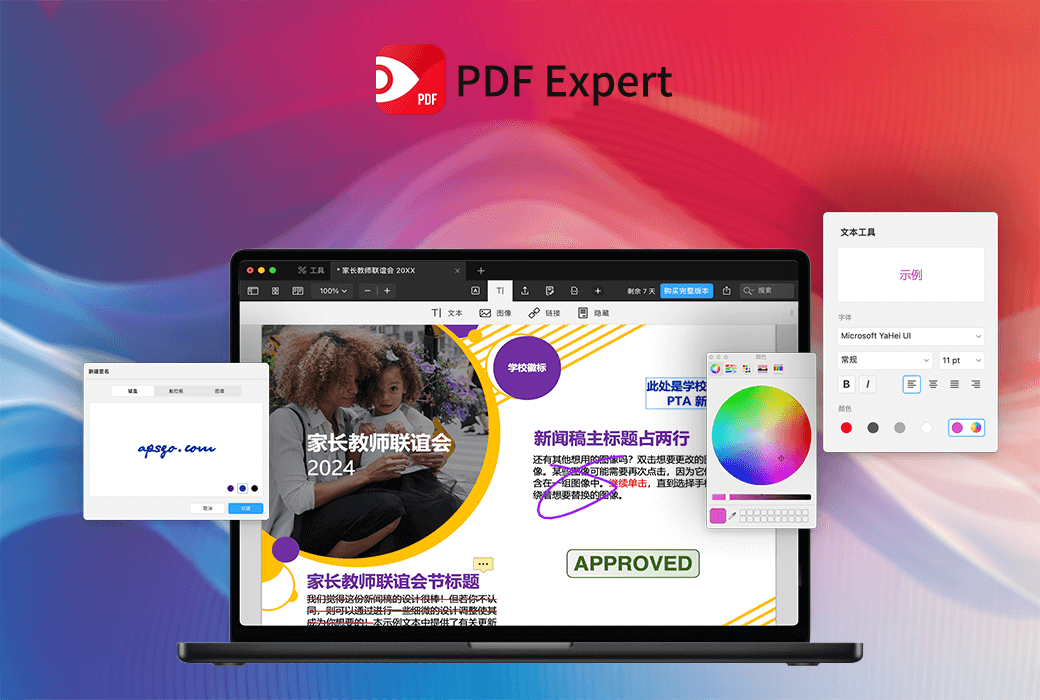
PDF Expert 3 Mac PDF File Editing Tool Software


bookPrivacy StatementDescribed the processing of your personal information to activate your PDF Expert subscription. In addition,Privacy Statement for PDF Expert AppIt also explained what information is processed and how to process it when using the PDF Expert application.
Due to relevant laws and regulations, AI functions will not be able to be used normally in China.
A must-have PDF editor for iPhone, iPad, and Mac.
Edit and annotate,
Sign and manage PDFs.
Explore the most powerful PDF tools. Experience it now!
Processing PDFs is easier
Fast, reliable, and easy to use are the highlights of PDF. This well-designed interface integrates all professional tools into one, making it effortless to handle any task.
Edit PDF text, images, and more features
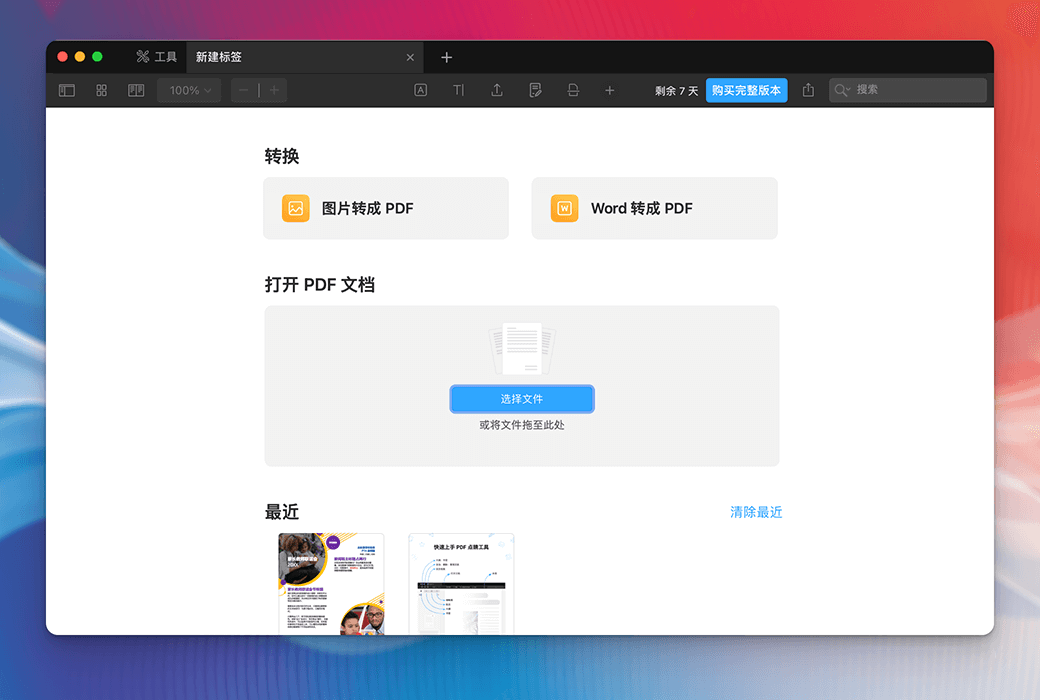
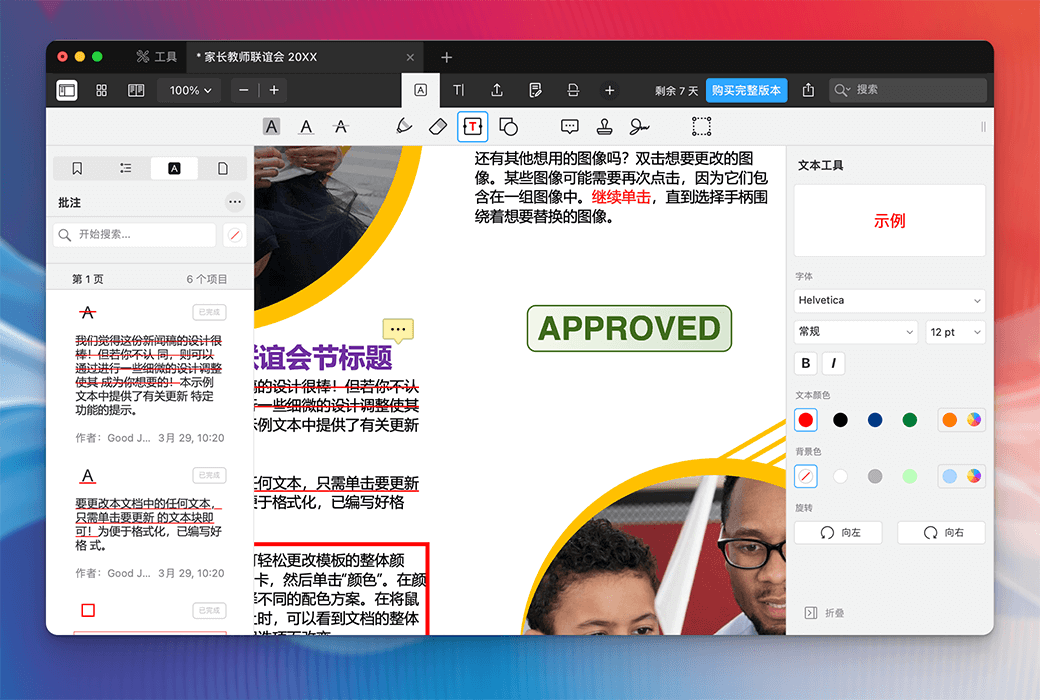
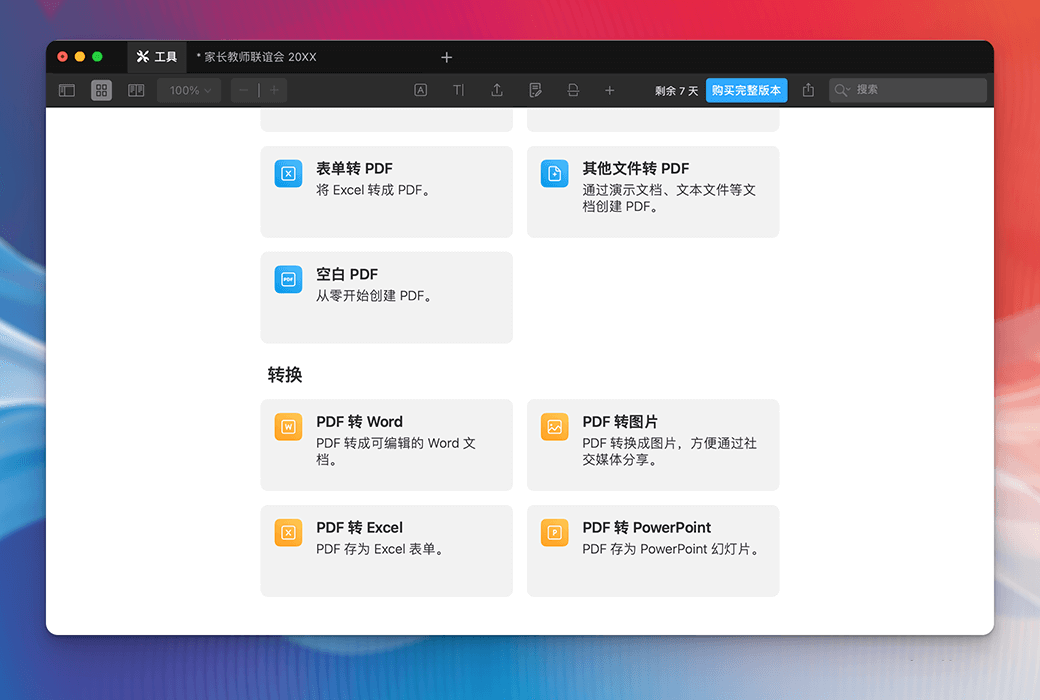
Download professional PDF editing applications on Apple devices so far. Instantly improve efficiency by editing PDF text, images, links, signatures, pages, and files.
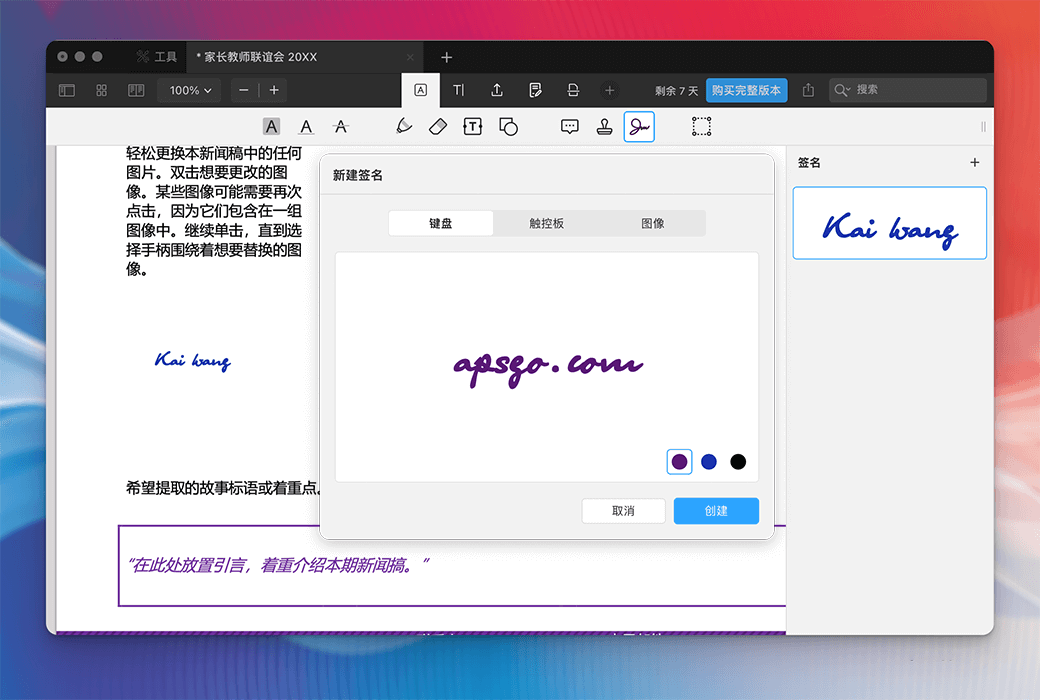
Sign the document
Tap a few times to use personal electronic signature to sign and send documents. Collect customer signatures using iPhone and iPad.
Fill out the PDF form.
Perfectly handle complex forms. Easily fill out lists, policies, and tax forms that include equations and arithmetic.
Merge PDFs and organize pages.
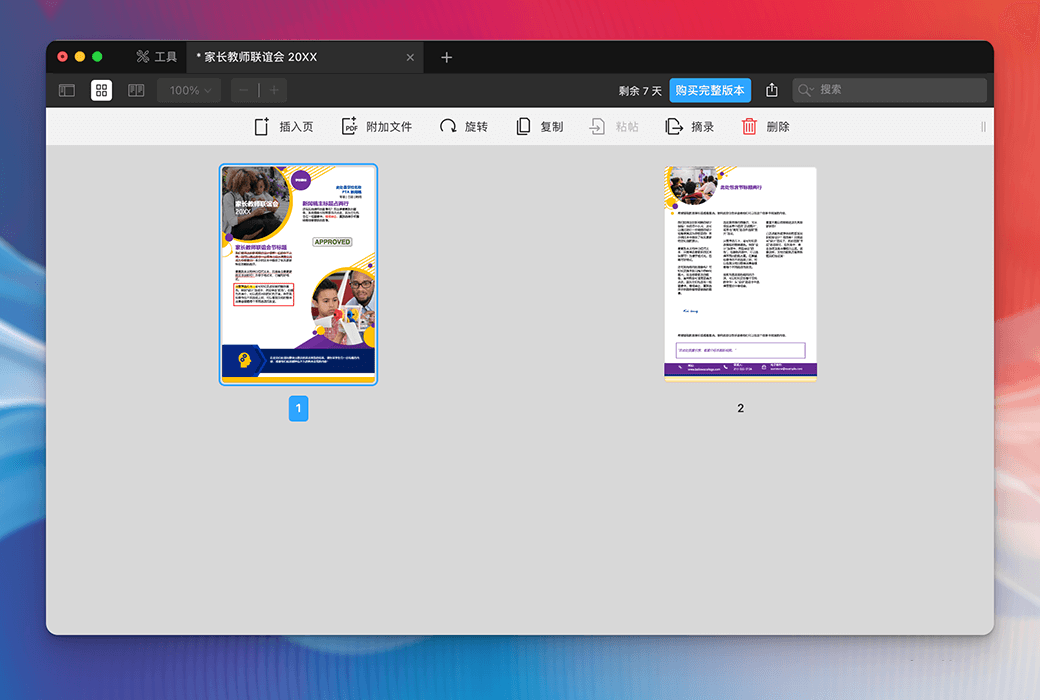
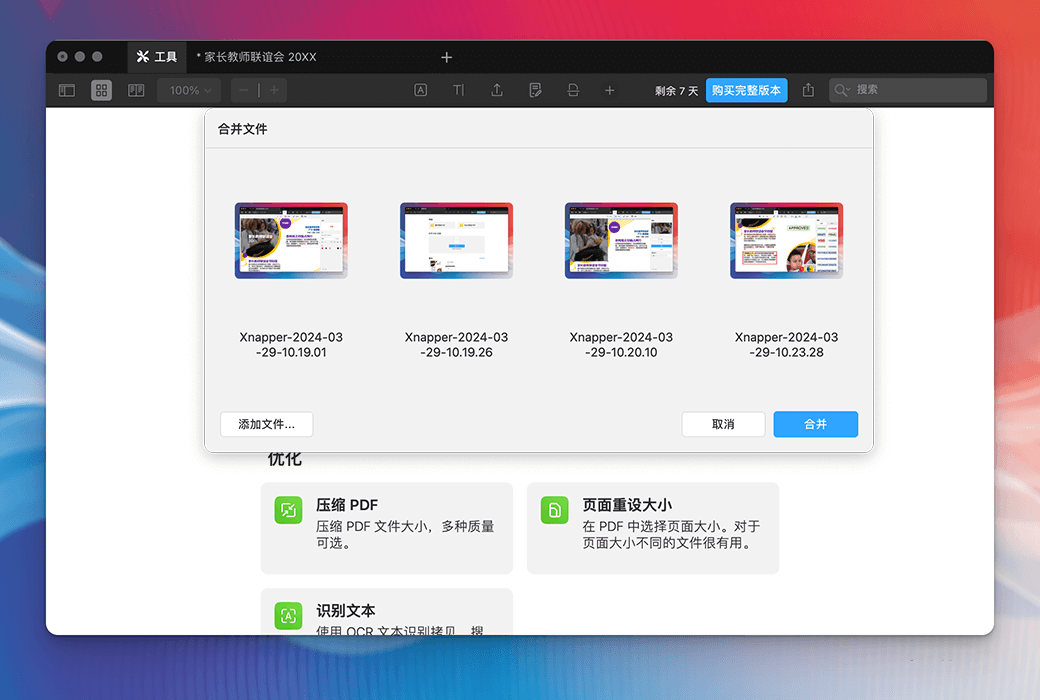
Rearrange, extract, delete, rotate pages, or merge the entire PDF document. Make full use of page management tools.
Identify text. Enhance PDF
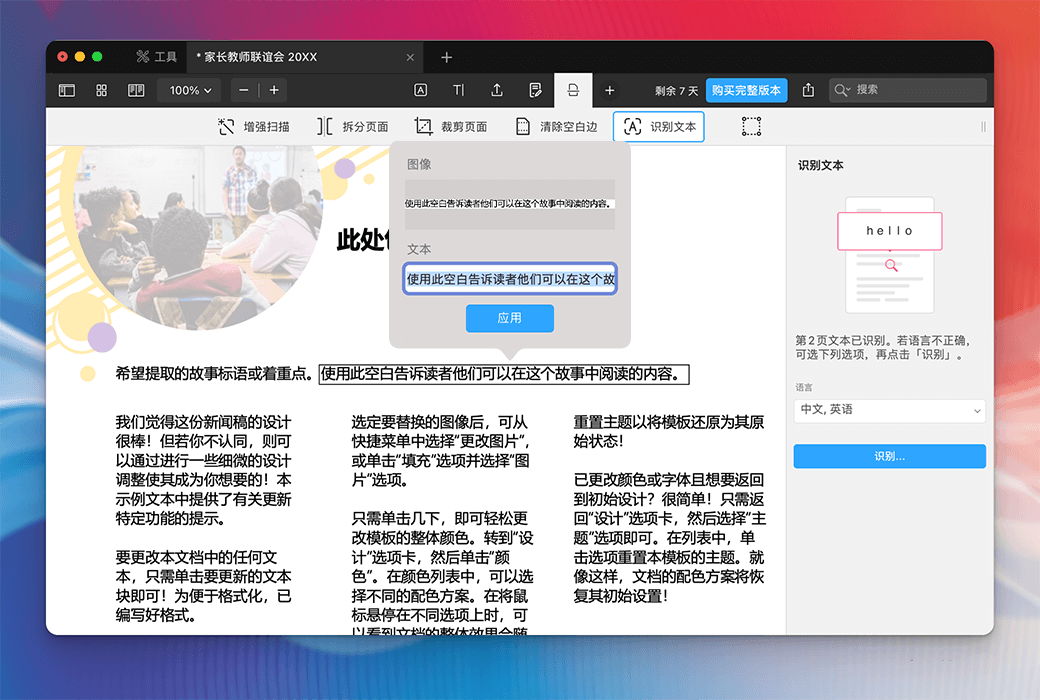
Use OCR recognition to scan the text within the document. The old PDF has been rejuvenated after being processed with AI "enhanced" functionality.
Identify text for easy searching, highlighting, and copying.
Fix distortion, remove shadows, and improve contrast.
Split the scanned document into two pages and remove any extra white borders.
PDF is more perfect
Create professional and aesthetically pleasing PDF scanning documents. AI driven intelligent 'enhancement' will repair deformations, remove shadows, and improve contrast.
Excellent reading experience.
PDF finishing touch allows you to easily read PDFs in various occasions. Smooth sliding, diverse reading modes, day, night, and paper options for you to choose from, protecting your eyesight.
Experience professional reading tools. Adjust font size and brightness, select day, night, and paper reading modes.
Intelligent technology adjusts PDF text to fit the screen, and the same goes for dual column PDFs. The best choice for reading PDFs on iPhone.
Quickly locate content through search. Save relevant search results or add them as bookmarks for future reference.
Designed for Apple, advanced technology drives office productivity
PDF Dianjing inherits Apple's cutting-edge technological innovation achievements and fully explores the potential of iPhone, iPad, and Mac.
下载中心:https://pdfexpert.apsgo.cn
发货时间:24 小时自动发货
运行平台:macOS
界面语言:支持中文界面显示,多语言可选。
更新说明:1 年版支持 1 年更新升级和使用,终身版支持小版本升级,如 v3.x
买前试用:购前可免费试用 7 天。
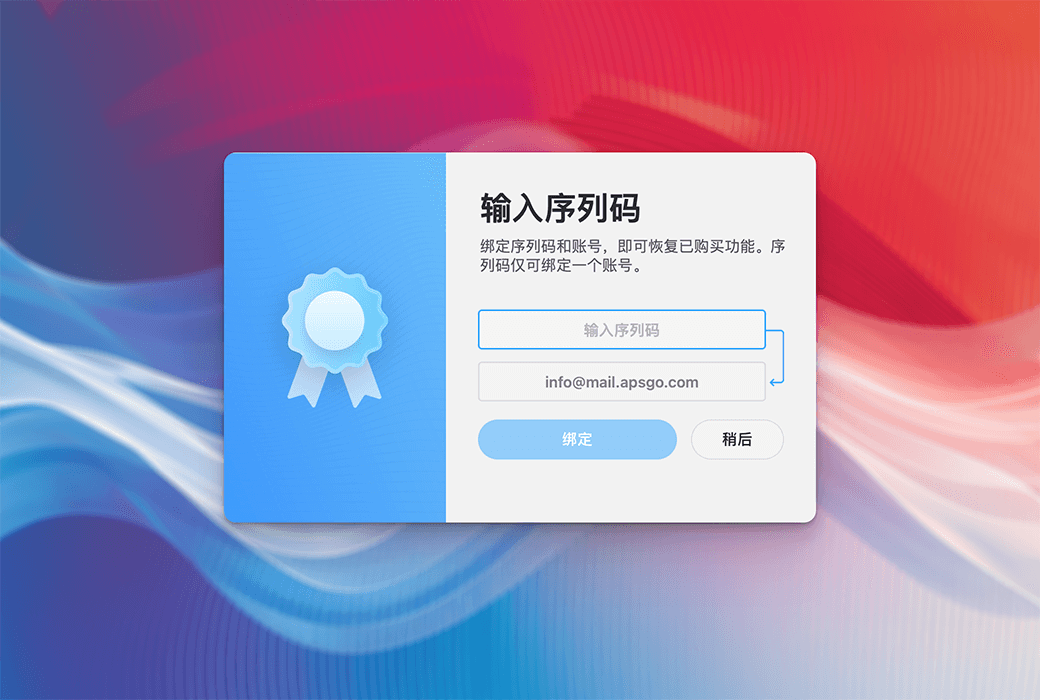
如何收货:购买后,激活信息会以邮件的形式发送到下单时的邮箱,同时可在个人中心,我的订单中查看对应的产品激活码。
设备数量:1 年版支持 5 台 Mac / iOS设备使用,终身版支持 3 台 Mac 激活使用。
更换电脑:原电脑卸载,新电脑激活。
激活引导:https://license.pdfexpert.com/offer/redeem
特殊说明:AI 功能由于相关法律法规的规定,在中国将无法正常使用。
参考资料:https://support.readdle.com/pdfexpert/en_US/billing-subscription/the-pdf-expert-license-faq

Any question